A marketing team starts Monday with a campaign brief in Google Workspace, moves client questions into Slack, and checks pipeline impact in Salesforce before lunch. No one installs a boxed program, waits for a server, or calls IT for a hardware refresh. The team opens a browser, signs in from any internet-connected device, and works from the office, home, or a mobile device. During a peak launch week, the saas vendor scales capacity in the background. Updates, backups, and security patches arrive without manual effort. That simple experience is the core promise of software as a service: access to business software when teams need it, without owning the systems that run it. By 2026, saas platforms will have become normal infrastructure for modern teams.
What Is A SaaS Platform?
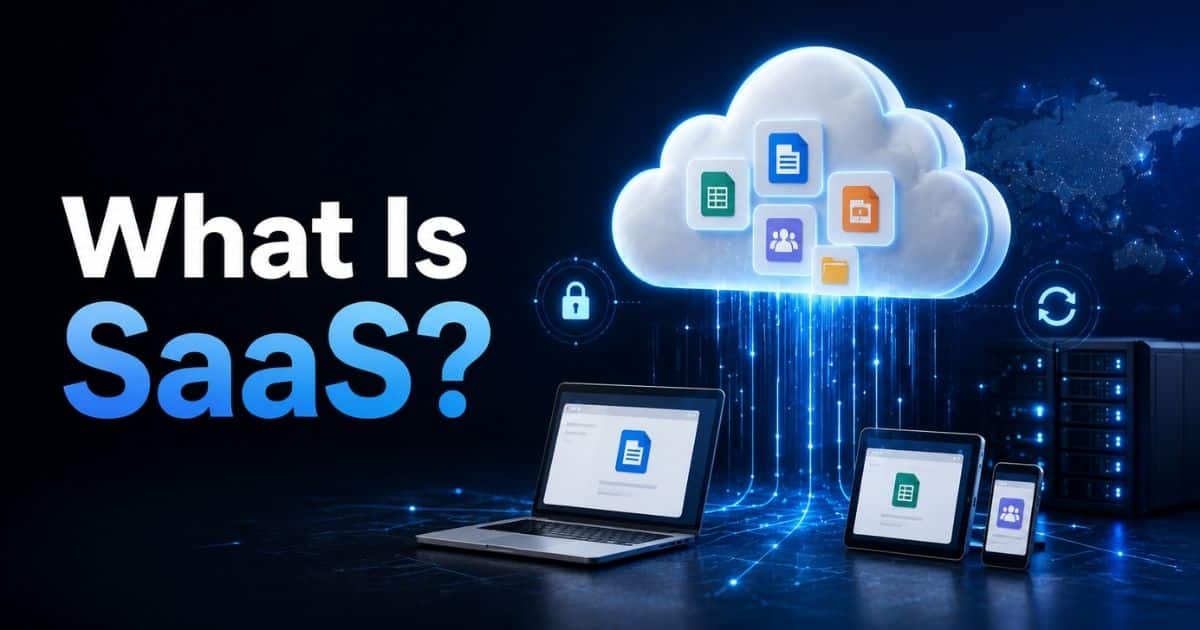
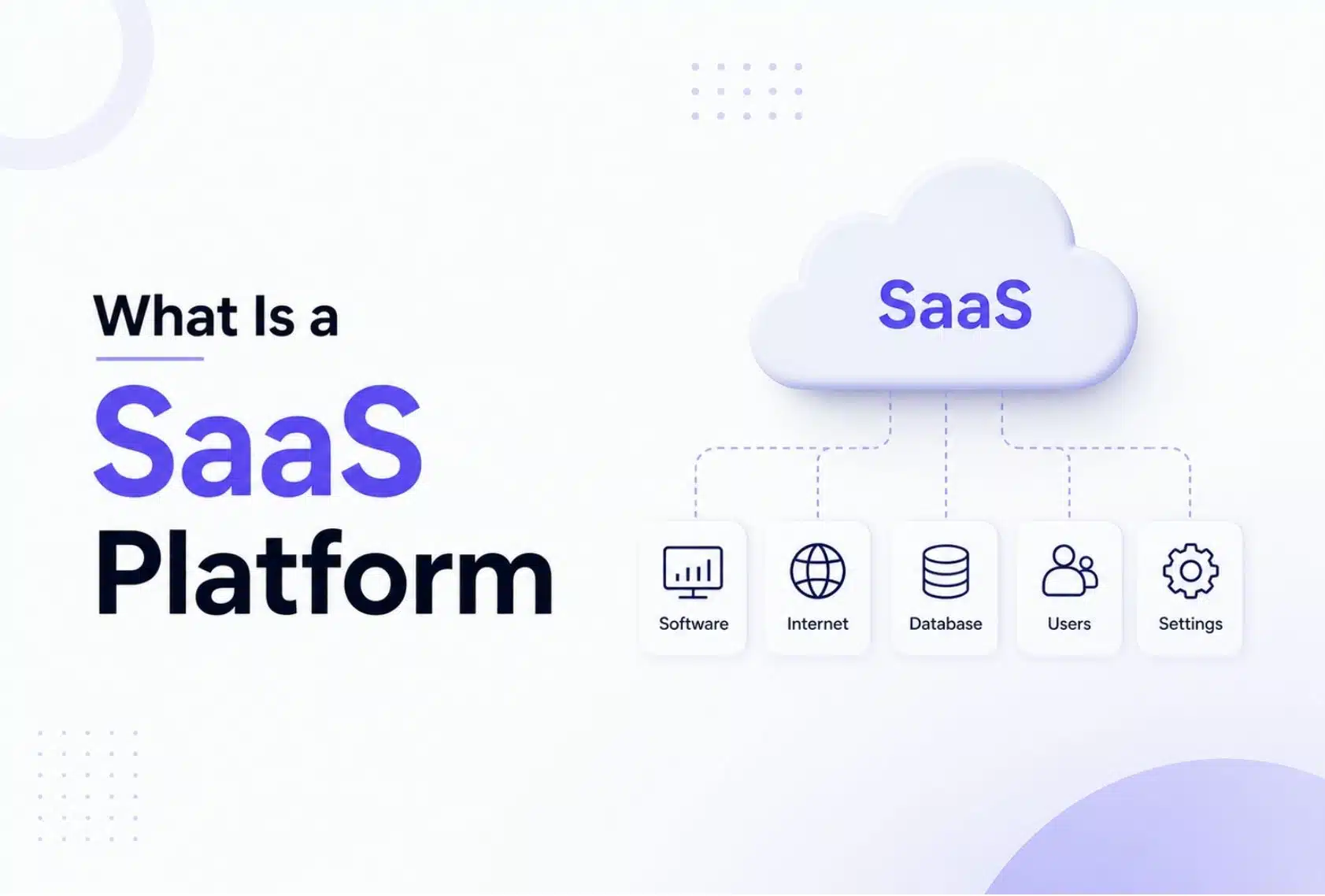
A SaaS platform is a cloud-based application delivered over the internet through a third-party service provider. The saas delivery model means the provider owns, hosts, operates, and maintains the software applications, while saas users access the product through a browser or app.
The saas vendor manages the underlying infrastructure, including servers, databases, operating systems, cloud services, and software maintenance. Many saas providers run on a cloud provider such as AWS, Azure, or Google Cloud, while others use private data centers.
A single SaaS application may solve one task. A broader SaaS platform connects multiple modules, workflows, APIs, and integrations. Common examples of SaaS solutions include customer relationship management (CRM) systems and office productivity suites. A customer relationship management platform may combine lead tracking, sales activity, support history, analytics, and customer satisfaction reporting in one subscription, all supported by best practices of SaaS architecture.
How Does A SaaS Platform Work?
A SaaS platform works by hosting software in the cloud, allowing users to access applications through the internet without installing software locally. Providers manage infrastructure, updates, and security, while users pay recurring fees to use the service on demand.
Vendor Hosting And Infrastructure
How does saas work in practice? SaaS providers host the saas product on cloud infrastructure or their own global data centers. The vendor provisions servers, configures operating systems, manages databases, sets load balancers, and uses content delivery networks to keep access fast.
Customers do not manage infrastructure, power, cooling, cabling, or network hardware. A typical stack may use containers, Kubernetes, managed databases, and object storage to serve multiple users at scale, all grounded in scalable software architecture for high-growth products. Cloud computing services make that elasticity possible.
User Access Through Browser Or App
User access starts with account creation, password login, single sign-on, and often multifactor authentication. SaaS applications are accessible from any device with an internet connection, providing flexibility and mobility for users, which is increasingly important in hybrid and remote work environments.
Most saas apps need a stable internet connection for full functionality. Some cloud-based applications support offline drafts or cached views, then sync when internet access returns.
Multi-Tenant and Single-Tenant Architecture
SaaS applications typically use a multi-tenant architecture, meaning a single instance of the software serves multiple customers, optimizing resources and reducing costs. Data is logically separated, so each account sees only its own customer data.
Multi tenancy helps saas companies serve multiple customers with lower saas costs and smoother upgrades. A simple text diagram is: shared hardware, shared operating system, shared app layer, separated tenant data. Single tenant architecture gives one customer a dedicated stack, often for stricter data isolation or custom controls, and both models benefit from established best practices of SaaS architecture.
Data Storage And Backups
Data storage usually happens in managed databases and object stores replicated across regions. SaaS platforms store data with encryption at rest, backup schedules, and recovery processes. Serious vendors define retention windows and export options for CSV, JSON, or API access.
The reliance on third-party providers for data management in SaaS applications means businesses must relinquish control over how their data is stored, managed, and secured. Buyers should review contracts, recovery objectives, and saas data export rights before adoption, ideally following a structured SaaS security architecture best practices guide.
Security, Compliance, And Reliability
Security protocols include TLS encryption, role-based permissions, audit logs, vulnerability testing, and regular security patches. Enhanced security may also include zero-trust security, device checks, and anomaly detection. Common frameworks include SOC 2, ISO 27001, GDPR, and HIPAA where relevant.
SaaS vendors typically promise high reliability, often guaranteeing 99% or even 99.9% uptime, which is crucial for businesses that rely on consistent access to their applications. During a global product launch, a marketing team may depend on that uptime to collect leads, approve assets, and respond across time zones.
Subscription Management And Billing
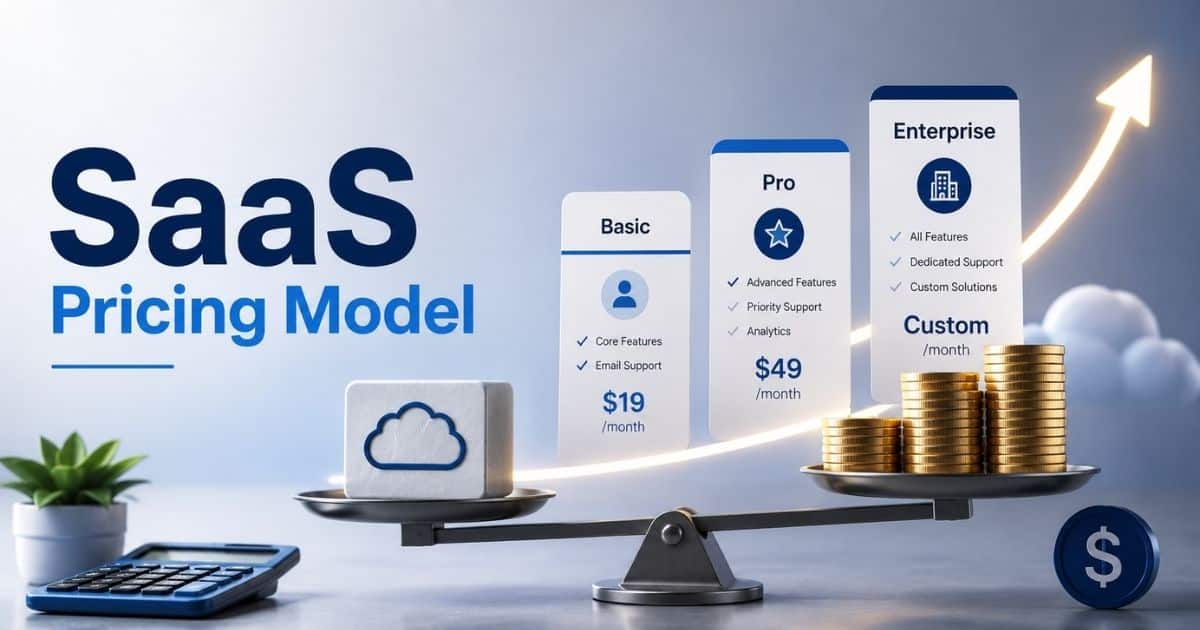
The saas model is also a business model. Customers subscribe monthly or annually, upgrade plans, reduce seats, or cancel based on need. Metering tracks seats, storage, API calls, or other software usage.
Predictable recurring revenue helps saas vendors fund support, application development, and product improvements. Predictable billing also helps saas customers plan budgets with fewer surprise infrastructure costs.
Continuous Updates And Deployment
SaaS providers use DevOps practices to release fixes and features centrally. Automatic updates reach customers without local upgrades, reinstallations, or manual patches.
Responsible vendors publish changelogs, test releases, and use feature flags for gradual rollout, all of which tie into ongoing SaaS performance optimization best practices. A collaboration feature in GainHQ, for example, can appear after a scheduled release so teams receive the improvement without technical work.
Benefits Of Using A SaaS Platform
SaaS platforms reduce upfront costs and remove the need for installing software or maintaining infrastructure. Businesses access cloud-based applications anytime with an internet connection. Automatic updates, scalability, and flexible pricing improve efficiency, support collaboration, and help teams focus on growth instead of software maintenance.
Lower Upfront And Predictable Costs
The subscription-based model of SaaS reduces upfront costs associated with traditional software, such as licenses and installation, and eliminates the need for additional computing resources to run the software. A mid sized marketing team might replace a large server refresh with a monthly SaaS bill that starts in the low thousands.
That shift creates cost savings and clearer forecasting. Finance teams can match spend to headcount, storage, or feature needs.
Faster Deployment And Adoption
SaaS enables rapid deployment, often allowing businesses to start using the software in hours rather than weeks or months. Teams can invite users, configure roles, and launch workflows quickly.
From 2020 to 2022, remote work forced many organizations to move online fast. Tools such as Zoom gained immense popularity during the pandemic, providing options for large-scale video and audio conferencing for teams and families.
Flexible Scalability For Growing Teams
On-demand scalability in SaaS allows organizations to easily scale their usage up or down as needed. SaaS applications are highly scalable, allowing businesses to easily adjust their subscription levels based on their needs, whether that means adding features, increasing storage, or supporting more users.
A startup can grow from five to five hundred employees by upgrading plans instead of rebuilding infrastructure. Seasonal teams can reduce seats after peak months.
Improved Collaboration And Remote Work
SaaS platforms centralize file sharing, approvals, calendars, and conversations. Role based permissions help agencies, clients, and internal teams work in one space without exposing every asset to everyone, and a well-defined SaaS design system for scalable products keeps those experiences consistent as the platform grows.
Slack is a messaging application frequently used to connect team members in a workplace, facilitating organized project management and quick communication. GainHQ style workflows place content reviews, client approvals, and publishing schedules in one shared cloud workspace.
Access To Real Time Data And Insights
SaaS software captures usage data, campaign results, task status, and operational events in live dashboards. Managers no longer need to wait for weekly spreadsheets, and AI-driven automation in SaaS platforms can turn that live data into proactive insights and workflows.
A marketing director can adjust a campaign midweek after seeing fresh engagement metrics. Better data management supports faster decisions and can reduce data silos when integrations are planned well.
Types Of SaaS Platforms
A clear understanding of what is saas platform starts with how cloud-based software replaces on-premises software. Unlike traditional software models, users pay recurring fees without installing software, following a flexible software delivery model.
Customer Relationship Management SaaS
CRM platforms represent one of the most widely used service saas categories. Businesses replace on-premises software with cloud-based software that centralizes customer data, sales pipelines, and communication history. Unlike traditional software models, users pay recurring fees instead of handling large upfront costs or installing software manually.
The software delivery model ensures updates, integrations, and scalability remain seamless across multiple users. CRM SaaS also strengthens data security through managed environments, helping teams maintain consistent customer records while improving collaboration and long-term relationship management across distributed teams.
Collaboration And Productivity SaaS
Collaboration tools fall under essential service saas solutions that support communication, project tracking, and document sharing. These platforms eliminate the need for installing software across devices, offering cloud-based software accessible through any browser with internet connectivity.
Compared to traditional software models, this software delivery model allows teams to scale quickly while users pay recurring fees based on usage or seats. Built-in data security controls protect shared files and communication, making collaboration SaaS a reliable alternative to on-premises software for modern teams.
Marketing And Automation SaaS
Marketing automation platforms are a fast-growing type of service saas that help businesses manage campaigns, email workflows, and customer journeys. These tools operate as cloud-based software, removing the complexity of installing software and maintaining infrastructure internally.
Unlike traditional software models, users pay recurring fees for continuous updates and new features. The software delivery model enables real-time data tracking, while strong data security practices protect customer information, making these platforms essential for scaling personalized marketing strategies.
Finance And Accounting SaaS
Finance SaaS platforms replace legacy on-premises software with cloud-based software that simplifies accounting, invoicing, and financial reporting. Businesses avoid installing software and instead rely on secure access through the internet.
Under this software delivery model, users pay recurring fees to access updated financial tools and compliance features. Compared to traditional software models, these platforms enhance data security, reduce manual errors, and support accurate financial decision-making across growing organizations.
Industry Specific SaaS Solutions
Industry-focused platforms represent specialized service saas built for sectors like healthcare, education, or logistics. These solutions adapt the software delivery model to meet unique operational needs while eliminating dependence on on premises software.
Organizations benefit from cloud based software that avoids installing software while maintaining compliance and data security standards. Unlike traditional software models, users pay recurring fees for tailored features, making industry SaaS a practical option for businesses with specific workflows and regulatory requirements.
SaaS Platforms Compared With Other Cloud Models
SaaS platforms deliver ready-to-use software over the internet, while other cloud models offer different levels of control and responsibility. In Infrastructure as a Service (IaaS), businesses manage applications and operating systems on rented infrastructure. In Platform as a Service (PaaS), providers handle infrastructure while developers build and deploy applications. SaaS removes most technical complexity, making it ideal for non-technical teams and fast deployment.
Infrastructure As A Service Overview
Infrastructure as a service provides on-demand access to virtual machines, storage, and networking. The cloud service provider maintains the physical layer, while the customer manages operating systems, middleware, and applications. IaaS fits legacy systems or custom environments, but it requires greater technical skills than SaaS.
IaaS supports application development on underlying infrastructure with flexible software usage. Many saas vendors in the saas market rely on cloud provider services, balancing saas costs, data security, and security protocols for scalable enterprise resource planning systems.
Platform As A Service Overview
Platform as a service gives developers a managed environment for building and deploying custom apps. Paas solutions handle servers, runtimes, and scaling, while customers write code. Many saas companies build their own saas solutions on IaaS or PaaS foundations.
PaaS solutions simplify application development with automatic updates and security patches. Service provider tools reduce software resources overhead while supporting cloud-based applications. Micro saas and vertical saas models grow faster with optimized software delivery model efficiency, especially when teams understand the broader software services meaning across SaaS, PaaS, and IaaS.
Key Differences Between SaaS, PaaS, And IaaS
SaaS offers the highest abstraction. PaaS sits in the middle. IaaS gives the most control and the most responsibility. From bottom to top: hardware is provider-managed in all three models. Operating systems are customer-managed in IaaS, but provider-managed in PaaS and SaaS. The application layer is provider-managed in SaaS.
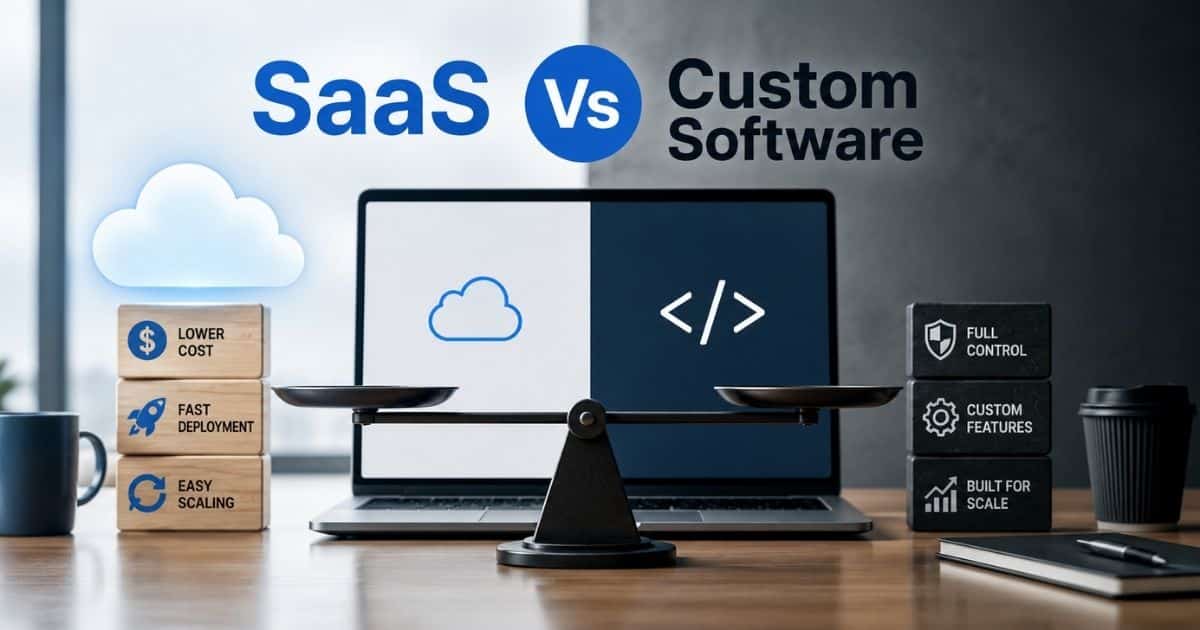
Understanding how does saas work helps compare models across the saas industry. SaaS reduces complexity, while PaaS and IaaS demand more control over underlying infrastructure, impacting software usage, data security, and cost savings for businesses and raising questions about the right fit in a custom software vs SaaS decision guide.
Common Real World Combinations
Leading enterprises often mix models. A marketing agency may use SaaS for workflows, IaaS for a data warehouse, and PaaS for a custom reporting dashboard. APIs, OAuth, and secure connectors usually link those layers.
Many saas vendors combine cloud based applications with enterprise resource planning and human resources systems. This hybrid approach improves cost savings, strengthens data security, and ensures flexible software usage across the evolving saas market.
The Right Cloud Model
Prefer SaaS for standardized processes, rapid rollout, limited IT resources, and faster time to value. Prefer PaaS or IaaS when regulations, legacy constraints, or specialized workflows require more control. Assess total cost, security, customization, vendor risk, and internal skills before choosing.
Choosing the right model depends on saas costs, security protocols, and underlying infrastructure needs. Businesses must evaluate service provider reliability, software resources, and data security to balance performance, scalability, and long term growth, often applying dedicated SaaS scalability strategies for sustainable growth.
Key Considerations When Selecting A SaaS Platform
Selecting the right SaaS platform requires evaluating performance, security, integrations, and long term scalability. Businesses must align choices with workflows, data needs, and growth goals to ensure reliable software usage and measurable outcomes.
Security And Compliance Requirements
Confirm encryption, access controls, incident response, audit reports, and compliance needs before purchase. Most saas providers should explain shared responsibility clearly, including what the provider secures and what the customer must configure.
Strong data security and zero trust security practices protect sensitive content across cloud based applications. Service provider policies, security protocols, and compliance standards ensure safe software usage while reducing risks in the evolving saas industry, especially when guided by a robust SaaS security architecture best practices guide.
Integration With Existing Tools
APIs, native integrations, OAuth, and webhooks keep workflows connected. A marketing team may need asset libraries, analytics suites, and approval portals to move data cleanly. Test integrations during a trial before full rollout.
Seamless integration supports application development and connects multiple saas platforms efficiently. Many saas vendors offer flexible software delivery model options, helping businesses reduce technical friction while improving data flow across underlying infrastructure systems, where disciplined SaaS performance optimization best practices become crucial.
User Experience And Adoption
Powerful software fails when users find it confusing. Review interface clarity, onboarding, help content, and speed. GainHQ style tools focus on non technical marketers, agency partners, and clients who need simple approval workflows.
Simple design improves software usage and encourages faster adoption across teams. Cloud based applications with intuitive workflows help users avoid complexity, reduce training time, and increase productivity within the competitive saas market, directly influencing churn and retention as shown in the role of UX in reducing SaaS churn.
Scalability, Performance, And Localization
Check whether the platform can handle growth in users, regions, files, and activity. Regional hosting, content delivery networks, time zones, and language support matter for global teams. Emerging technologies such as AI assistants and edge delivery can enable innovation, but practical fit matters more than trend value.
Scalable platforms optimize underlying infrastructure and maintain consistent performance under demand. Automatic updates and efficient software resources ensure cost savings while supporting global expansion, making them essential for growing businesses in the saas industry and closely tied to scalable software architecture for high-growth products.
Vendor Stability And Support
Review vendor history, roadmap, uptime, documentation, and support channels. Many saas vendors look strong during demos, but long-term reliability depends on support quality and product discipline. Vendor lock-in is a significant risk associated with SaaS applications, as users may find it challenging to switch providers if their current vendor no longer meets their needs. Clear export tools and standard integrations reduce that risk.
Reliable service provider support ensures long-term platform success. Evaluate saas costs, vendor reputation, and support responsiveness to avoid risks. Strong vendors maintain momentum through updates, security patches, and consistent improvements across software delivery models while following SaaS security best practices for 2026.
Final Discussion
GainHQ fits the SaaS delivery model for marketing teams, agencies, and clients that need one place to plan, review, approve, and coordinate content. The platform uses browser-based access, secure workspaces, and always current features so teams can focus on campaign work instead of software resources or maintenance.
For founders, product teams, and growing businesses, GainHQ also reflects the practical direction of modern SaaS: fast onboarding, scalable collaboration, thoughtful UI and UX, supported by dedicated UI/UX design services for SaaS products, and room for AI-integrated SaaS solutions where they improve real workflows, as shown in AI features that increased engagement by 34%. If your team wants to reduce scattered tools and make campaign collaboration easier, explore how GainHQ can support your next content workflow at GainHQ.
Frequently Asked Questions
Can A SaaS Platform Run Without An Internet Connection?
Core SaaS functionality generally requires an active internet connection because the application logic and data live in the cloud. Some platforms allow limited offline drafting or cached viewing, then sync changes after reconnecting.
Who Owns The Data Stored In A SaaS Platform?
Reputable providers state that customers retain ownership of their content and customer data. The vendor acts as a processor or custodian. Review ownership clauses, retention rules, export tools, and exit terms before signing.
How Customizable Are Typical SaaS Platforms?
Most SaaS platforms offer configuration such as custom fields, roles, workflows, branding, and integrations. Full code level changes are rare. APIs, add ons, and light custom apps can fill many gaps.
What Happens If A SaaS Provider Experiences An Outage?
Mature providers use monitoring, failover, status pages, and post incident reviews. Critical teams should still keep local copies of essential documents and backup communication channels for rare downtime events.
How Do Trials And Proofs Of Concept Work With SaaS Platforms?
Most providers offer trials from seven to thirty days or small pilots. Include real users, connect essential tools, define success criteria, and test daily workflows. GainHQ style platforms often support guided onboarding so teams can judge value before committing, and ongoing learning from the GainHQ blog on SaaS and product development can further improve those evaluations.