How An AI Coding Assistant Improves Code Quality And Productivity
by Daniel Wright | May 26, 2026 | Software Development Insights
Table of Contents
- What Is An AI Coding Assistant
- Why AI Coding Assistants Are Changing Modern Software Development
- Key Features Every AI Coding Assistant Should Have
- Best AI Coding Assistant Tools Compared For Different Use Cases
- How Developers Use AI Coding Assistants For Coding, Testing, And Debugging
- Benefits And Limitations Of Using An AI Coding Assistant
- How To Choose The Right AI Coding Assistant For Your Team Or Workflow
- Future Trends Shaping The Next Generation Of AI Coding Assistant Tools
- Final Thoughts
- FAQs
Software development has changed fast in the last few years. Developers no longer write every line of code alone. Modern teams now use AI coding assistant tools to generate code, fix errors, explain logic, and speed up repetitive work. What once took hours can now take minutes.
But not every AI coding assistant delivers the same results. Some tools help with simple autocomplete. Others can review code, detect bugs, write tests, and even understand large projects. That makes choosing the right solution more important than ever.
This guide breaks down everything you need to know about AI coding assistant tools. You will learn how they work, where they help most, their limitations, and which platforms stand out for different development needs.
What Is An AI Coding Assistant
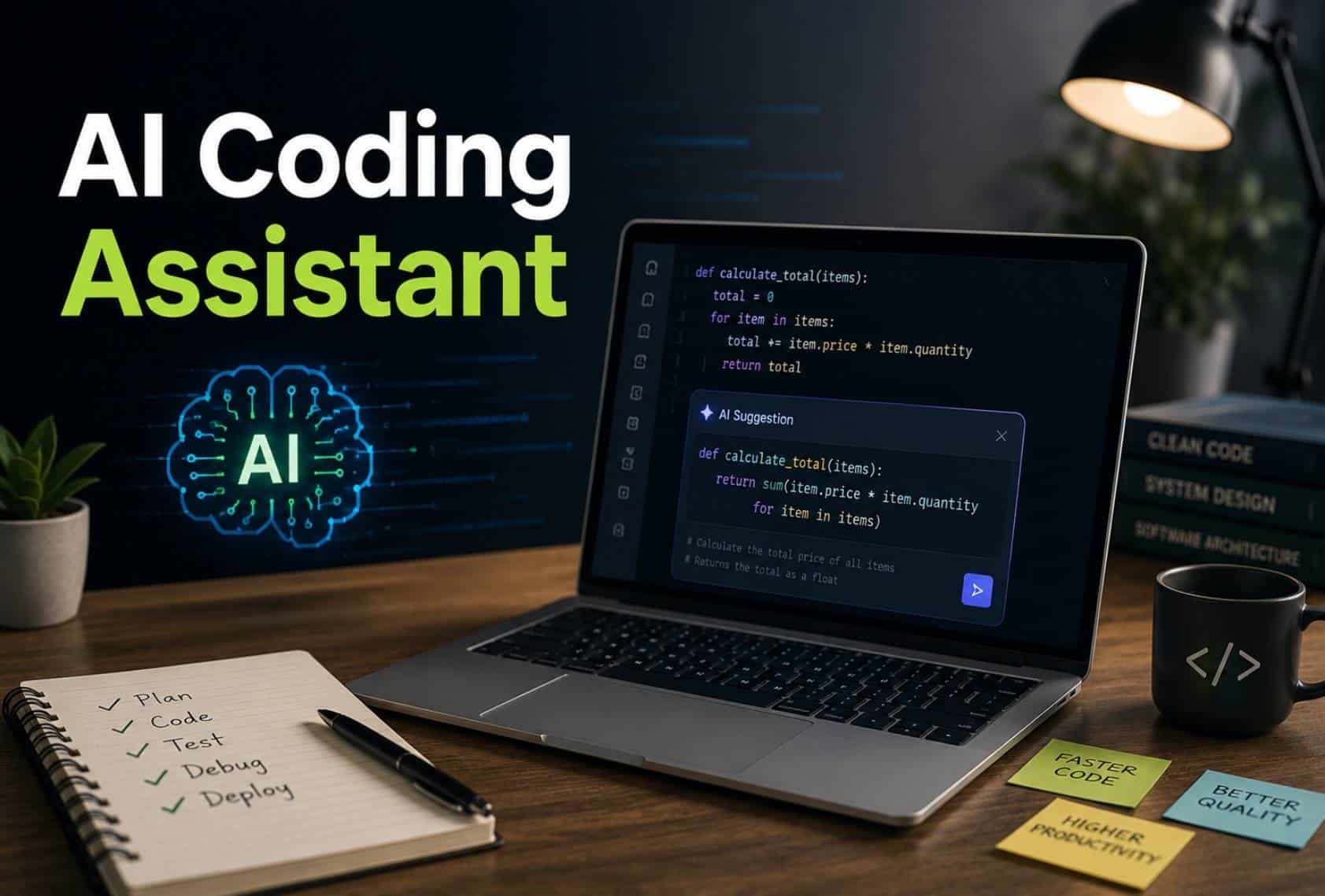
An AI coding assistant is a software tool that helps developers write, review, and improve code faster. Modern AI coding tools use natural language prompts, project context, and context awareness to understand existing code and suggest code in real time. Many tools also provide code completions, multi-line completions, code snippets, and clear explanations inside a chat interface or code extension. Popular options like GitHub Copilot, Claude Code, Gemini Code Assist, and JetBrains AI Assistant support faster software development with AI assistance and AI-generated code.
Modern coding assistant platforms can handle repetitive tasks, test generation, and even complex tasks across an entire codebase. Some AI coding agents work in agent mode and act like a coding agent that can test code, create new code, and analyze messy codebases with full project context. Development teams and individual developers also use local models, API keys, and model flexibility features for better control, security posture, and proprietary code protection during the development process, especially as AI in the SaaS industry evolves with new benefits and challenges.
Why AI Coding Assistants Are Changing Modern Software Development
AI coding assistant tools now play a major role in modern software development. Developers use them to write code faster, reduce repetitive tasks, and improve code quality. From startups to enterprise teams, companies now treat AI assistance as part of the daily development process as part of broader AI software development for smarter digital products.
Faster Development Cycles
Development teams now ship features much faster with AI coding tools. Platforms like GitHub Copilot, Cursor, and Claude Code can generate code, suggest code fixes, and provide real-time code suggestions inside the editor. Developers no longer waste hours on boilerplate code or repetitive tasks.
Research shows developers using GitHub Copilot complete tasks up to 55% faster. Around 90% of Fortune 100 companies already use Copilot in their workflows. Faster delivery helps businesses release updates more often and respond to customer needs quickly.
Better Code Quality And Testing
Modern AI assistant platforms do more than code generation. Many tools now support test generation, code suggestions, and code completions with context awareness. Developers can test code faster and catch bugs before deployment.
AI-generated code still needs human review, but strong suggestion quality helps developers maintain cleaner project structure and more reliable actual code. Studies show AI tools also improve developer focus by reducing low-value work. Around 68% of developers report productivity gains from AI assistance.
Smarter Context Understanding
Older autocomplete tools only handled small code snippets. Modern AI coding agents understand open files, project context, and even the entire codebase. A coding agent can now analyze existing code, explain logic, and create a detailed plan for complex tasks.
Tools like Gemini Code Assist and JetBrains AI Assistant use full project context to provide more accurate code suggestions. Better context also improves pair programming experiences inside IDEs like IntelliJ IDEA. Developers spend less time explaining code manually and more time solving problems.
More Support For Teams
AI coding assistant platforms now support both individual developers and large enterprise teams. Features like Copilot Business, parallel agents, and shared project context improve collaboration across teams. Developers can also use chat interface tools for faster communication and troubleshooting.
Recent surveys show over 63% of professional developers already use AI in software development workflows. Another 14% plan to adopt AI coding soon. AI assistance now helps teams maintain consistency across files, tools, and messy codebases.
New Focus On Security And Control
Security posture has become a major topic in AI coding. Companies want full control over proprietary code, API keys, and sensitive data before sending code to external systems, which aligns with broader SaaS security architecture best practices. That is why many platforms now support local models and stronger enterprise controls.
Security concerns still exist. Reports show over 29 million secrets leaked on GitHub during 2025, partly linked to AI-assisted development. Developers now pay closer attention to model flexibility, code review, and access control before trusting generated code in production environments.
Key Features Every AI Coding Assistant Should Have
Not every AI coding assistant delivers the same value. Some tools only provide simple code completions, while others support full software development workflows. The best AI coding tools help developers write cleaner code, handle complex tasks, and improve productivity without adding extra friction to the development process.
Smart Code Suggestions
Strong code suggestions are the foundation of every useful AI assistant. Developers expect accurate real-time code suggestions that match project structure, coding style, and context. Better suggestion quality helps teams reduce repetitive tasks and write actual code faster.
Modern platforms like GitHub Copilot and Cursor now support multi-line completions and natural language prompts. Developers can describe a function in plain language and receive generated code instantly. Studies show developers save up to 30% of coding time with intelligent code generation tools.
Project Context Awareness
Context awareness separates basic AI coding from advanced AI coding agents. A good coding assistant should understand existing code, open files, dependencies, and the entire codebase before suggest code actions. Without project context, AI-generated code often feels disconnected and unreliable.
Tools like Gemini Code Assist and JetBrains AI Assistant now use full project context to improve code completions and reduce errors. Better context also improves pair programming experiences for development teams. Developers spend less time fixing mismatched suggestions and more time solving real business problems.
Built-In Testing Support
Modern AI coding tools should support test generation and test code workflows directly inside the editor. Developers need fast ways to validate new code before deployment. Strong testing support also improves code quality and reduces production issues.
Recent developer surveys show over 70% of teams now automate parts of their testing process. AI coding assistants can generate unit tests, explain failed tests, and detect risky logic faster than manual review alone. Better testing tools help developers maintain cleaner files and more stable releases.
Flexible Model Options
Model flexibility matters more as software development becomes more complex. Some companies want local models for stronger security posture, while others prefer cloud-based AI assistance for faster performance, all of which depends on having the right AI infrastructure for intelligent applications. Flexible tools allow developers to choose what fits their workflow and control requirements.
Enterprise teams also care about proprietary code protection and data privacy before sending code to external systems. Features like API keys management, enterprise pricing plans, and full control settings have become essential. Many power users now prefer platforms that support both cloud and local AI agent workflows.
Team Collaboration Features
Modern software development depends on collaboration. A strong AI coding assistant should help both individual developers and large development teams work more efficiently together. Shared chat interface features, parallel agents, and collaborative code suggestions improve team productivity across projects, especially when combined with agile and offshore software development practices.
Platforms like Copilot Business and Claude Code now support shared workflows and faster onboarding for new developers. AI assistance also helps teams maintain consistency across messy codebases and large project structures. Reports show over 82% of developers now use AI tools weekly during the development process.
Best AI Coding Assistant Tools Compared For Different Use Cases
Every AI coding assistant works differently. Some tools focus on fast code generation, while others handle complex tasks, project context, or team collaboration better. The right choice depends on your workflow, coding style, security needs, and software development goals.
AI Coding Tool | Best Use Case | Key Features | Ideal Users | Pricing Model |
|---|---|---|---|---|
GitHub Copilot | Daily software development | Real-time code suggestions, code completions, Copilot Chat, multi-line completions | Individual developers and development teams | Free tier available, Copilot Business and enterprise pricing |
Anthropic Claude Code | Large codebase analysis | Strong context awareness, clear explanations, natural language prompts, coding agent workflows | Power users and enterprise teams | Paid plans |
Google Gemini Code Assist | Enterprise coding support | Full project context, AI assistance, test generation, code suggestions | Enterprise development teams | Free tier and enterprise options |
JetBrains AI Assistant | IDE-focused development | IntelliJ IDEA support, existing code analysis, AI-generated code, smart code snippets | JetBrains users and Java developers | Subscription pricing |
Cursor | AI-first coding workflows | Chat interface, project structure awareness, AI coding agents, parallel agents | Developers managing complex tasks | Free and paid plans |
CodeWhisperer | Cloud and AWS development | Security posture checks, code extension support, generated code suggestions | AWS developers | Free for individual developers |
Microsoft Visual Studio | Microsoft ecosystem projects | AI coding support, suggest code features, code quality improvements | .NET developers | Included with Visual Studio |
Tabnine | Privacy-focused AI coding | Local models, proprietary code protection, full control, model flexibility | Security-focused teams | Free and paid plans |
How Developers Use AI Coding Assistants For Coding, Testing, And Debugging
Developers now use AI coding assistant tools far beyond simple autocomplete. Modern platforms support code generation, debugging, testing, documentation, and project analysis inside the same workflow. AI assistance has become part of daily software development for both individual developers and enterprise teams.
Faster Code Writing
AI coding tools help developers create new code much faster than manual coding alone. Developers can use natural language prompts to describe features and receive generated code instantly. Tools like GitHub Copilot and Cursor also provide real-time code suggestions and multi-line completions while developers type.
Recent surveys show developers complete common coding tasks up to 55% faster with AI assistance. Faster code generation also reduces repetitive tasks and improves focus during the development process, similar to how AI-powered tools simplify day-to-day work across teams. Developers spend more time solving business problems instead of writing boilerplate code manually.
Smarter Debugging Support
Modern AI coding assistants can review existing code and detect bugs quickly. A coding agent can explain errors, suggest code fixes, and identify risky logic across messy codebases. Many developers now use AI coding agents to speed up debugging workflows inside IDEs and code editors.
Context awareness makes debugging more accurate because AI tools can analyze open files, project structure, and the full project context before suggest code actions. Studies from 2025 show over 67% of developers now rely on AI tools for troubleshooting and issue detection during software development.
Better Test Generation
Test generation has become one of the most useful AI coding features. Developers use AI-generated code to create unit tests, integration tests, and edge-case scenarios faster. Modern AI assistant tools can also test code automatically and explain failed outputs with clear explanations.
Development teams now use AI assistance to improve code quality and reduce release risks. Reports show automated testing adoption increased by over 40% in AI-supported development workflows during the last two years. Faster testing also helps teams ship updates more frequently with fewer production issues.
Improved Code Reviews
AI coding assistants now support code reviews before human reviewers step in. Tools can check code snippets for security posture issues, duplicate logic, poor formatting, and weak project structure. Some platforms also flag exposed API keys or risky data handling practices.
Enterprise teams use AI coding tools to maintain cleaner files and stronger coding standards across the entire codebase. AI-generated suggestions also help junior developers learn patterns faster during pair programming sessions. Better reviews reduce technical debt and improve long-term software maintenance.
Project-Wide Task Automation
Modern AI agent workflows now handle more than small coding tasks. Some AI coding agents can scan proprietary code, create a detailed plan, update multiple files, and manage complex tasks across large applications. Features like parallel agents and agent mode help developers automate repetitive workflows efficiently, mirroring broader AI-driven automation patterns in SaaS platforms.
Tools like Claude Code, Gemini Code Assist, and JetBrains AI Assistant now support deeper project context analysis inside platforms like IntelliJ IDEA. Many power users also prefer local models for more control and stronger security during enterprise software development.
Benefits And Limitations Of Using An AI Coding Assistant
AI coding assistant tools can improve software development speed, reduce repetitive tasks, and support better code quality. At the same time, developers still face concerns around security, context accuracy, and overreliance on AI-generated code during complex development workflows, which makes principles of ethical and trustworthy AI software increasingly important.
Benefits Of AI Coding Assistants | Limitations Of AI Coding Assistants |
|---|---|
Faster code generation and real-time code suggestions | AI-generated code can contain bugs or insecure logic |
Better productivity for individual developers and development teams | Weak context awareness may produce irrelevant code suggestions |
Faster test generation and debugging support | Some tools struggle with complex tasks and messy codebases |
Reduced repetitive tasks during software development | Developers still need manual review for actual code quality |
Multi-line completions speed up daily coding workflows | Suggestion quality varies across different AI coding tools |
Pair programming support through chat interface and AI assistance | Overreliance may reduce problem-solving skills for junior developers |
Better project structure analysis with full project context | Proprietary code and sensitive data risks remain concerns |
Faster onboarding for new developers through clear explanations | Sending code to cloud-based systems may affect security posture |
Support for code snippets, documentation, and existing code analysis | Some enterprise pricing plans remain expensive for small teams |
Flexible workflows with local models and model flexibility | Local setup and API keys management can become complex |
Better collaboration through parallel agents and coding agent workflows | AI coding agents still need human control and validation |
Integration with IDEs like IntelliJ IDEA and tools like GitHub Copilot | Free tier plans often limit advanced AI agent features |
How To Choose The Right AI Coding Assistant For Your Team Or Workflow
Choosing the right AI coding assistant depends on your team size, project type, security needs, and development workflow. Some AI coding tools work best for fast code generation, while others focus on context awareness, enterprise control, or large-scale software development support.
Match The Tool With Your Workflow
Every development team works differently. Some teams need fast code completions for daily coding tasks, while others need advanced AI coding agents for complex tasks and project-wide automation. A small startup may prefer lightweight tools or follow an AI MVP development approach for rapid validation, while enterprise teams often require stronger project context support.
Developers should also check how the AI assistant fits into existing tools and files. Platforms like Cursor, GitHub Copilot, and JetBrains AI Assistant offer different workflows inside IDEs and code editors, much like broader efforts to integrate AI into SaaS products and workflows. Better workflow alignment reduces friction and improves adoption across development teams.
Check Context Awareness Features
Context awareness has become one of the most important AI coding features. A strong coding assistant should understand existing code, open files, dependencies, and project structure before suggest code actions. Weak context often leads to low-quality generated code and unnecessary edits.
Modern AI coding tools now analyze the entire codebase and support full project context during software development. Research from 2025 shows developers rate context awareness among the top three features when selecting AI coding tools, so teams should apply a structured AI model selection process for startups and teams. Better context improves code quality and reduces debugging time significantly.
Review Security And Control
Security posture matters when teams work with proprietary code, customer data, or internal systems. Before sending code to any external AI model, companies should review privacy settings, API keys management, and enterprise security controls carefully.
Many organizations now prefer local models or hybrid AI assistance setups for more control. Tools like Tabnine and enterprise versions of Gemini Code Assist support stronger privacy options, and many teams now implement a formal AI governance framework for SaaS platforms to manage risk. Reports show over 62% of enterprise buyers now prioritize data protection features before choosing AI coding platforms.
Compare Pricing And Scalability
Pricing can change quickly as teams grow. Some AI coding assistant platforms offer a free tier for individual developers but charge higher enterprise pricing for advanced AI agent workflows, parallel agents, or team collaboration tools, similar to broader custom software cost trade-offs between options.
Businesses should compare long-term value instead of only monthly cost. Features like test generation, chat interface support, and model flexibility can reduce development time and improve productivity. Scalable AI coding tools also help teams avoid migration issues as software development needs expand, just as choosing between no-code and custom development for SaaS affects long-term flexibility.
Test Suggestion Quality First
Suggestion quality directly affects developer productivity. A tool may offer advanced marketing features, but poor code suggestions can slow down the development process. Developers should test how accurately the AI assistant handles natural language prompts, code snippets, and actual code generation.
Many power users now compare tools like Claude Code, Copilot Chat, and Gemini Code Assist before making a final decision. Better AI-generated code helps developers maintain cleaner project structure and avoid repetitive tasks. Trial testing also helps teams understand how well the AI agent adapts to real project context.
Future Trends Shaping The Next Generation Of AI Coding Assistant Tools
AI coding assistant platforms continue to evolve far beyond simple autocomplete tools. The next generation of AI coding tools will focus on deeper context awareness, stronger automation, improved security, and more advanced AI agent workflows that support full software development lifecycles, reflecting many of the latest software development trends for 2026.
Smarter AI Coding Agents
AI coding agents are becoming more autonomous every year. Future tools will handle complex tasks like refactoring, debugging, test generation, and project planning with less manual input. A coding agent will not just suggest code but also manage workflows across the entire codebase.
Platforms like Claude Code and Cursor already support agent mode and parallel agents for advanced development tasks. Industry reports predict over 80% of enterprise software teams will use AI agents in daily workflows by 2027. Better context awareness will make AI-generated code more accurate and useful.
Deeper Project Context Understanding
Future AI coding assistants will understand project structure much better than current tools. Instead of analyzing only open files, upcoming systems will use full project context, existing code history, dependencies, and team workflows to improve code suggestions.
Developers already expect smarter context support from tools like Gemini Code Assist and JetBrains AI Assistant. Better context awareness will help AI assistant platforms generate cleaner actual code and reduce debugging time. This shift will also improve suggestion quality across large and messy codebases.
More Secure AI Development
Security posture will become a bigger priority as AI coding expands across enterprise software development. Companies want stronger control over proprietary code, API keys, and sensitive data before sending code to external AI systems.
Future AI coding tools will likely increase support for local models and private deployment options. Many development teams already prefer hybrid workflows for better control and compliance within a broader cloud-first future of SaaS development. Research from 2025 shows over 70% of enterprise buyers now rank security features as a top purchasing factor for AI assistance platforms.
Better Natural Language Workflows
Natural language prompts will become more powerful and accurate in future AI coding tools. Developers will describe features, bugs, or workflows in plain language and receive detailed plans, code snippets, and test code automatically.
Modern tools already support chat interface features and conversational AI coding. Future systems will improve pair programming experiences and reduce manual setup work even further. Faster natural language workflows will help individual developers and power users manage software development tasks more efficiently.
Flexible AI Model Ecosystems
Model flexibility will shape the future of AI coding assistant platforms. Developers want freedom to switch between cloud AI models, local models, and specialized coding systems based on project needs, which aligns with broader custom software development trends shaping the future. No single AI assistant will dominate every use case.
Enterprise teams also expect better integration across tools, files, and development environments like IntelliJ IDEA. Platforms that support customizable AI agent workflows, free tier access, and scalable enterprise pricing will likely gain stronger adoption, especially when built on API-first architectures for scalable systems. Flexible ecosystems will give developers more control over how AI supports their coding process.
Final Thoughts
AI coding assistant tools have become a major part of modern software development. Developers now use AI assistance for code generation, debugging, test generation, code reviews, and project planning every day. The best AI coding tools help teams save time, improve code quality, and reduce repetitive tasks without slowing down workflows.
Still, no AI assistant can replace developer judgment. Human review remains critical for security, context, and long-term maintainability. Teams should focus on choosing tools that match their project structure, security posture, and development process.
As AI coding agents continue to improve, developers will gain faster workflows, smarter automation, and better project context support. Companies that learn how to use AI coding effectively today will likely build software faster and stay more competitive in the future.
FAQs
Can AI Coding Assistants Replace Human Developers?
No, AI coding assistant tools cannot fully replace developers. AI assistance can speed up code generation, debugging, and repetitive tasks, but human developers still handle architecture, decision-making, security, and complex project context. Recent surveys also show trust in AI-generated code remains limited among professional developers.
Do AI Coding Tools Work Well For Beginners?
Yes, many AI coding tools help beginners learn faster through code suggestions, clear explanations, and natural language prompts. Tools like GitHub Copilot and JetBrains AI Assistant also help new developers understand existing code, project structure, and code snippets without spending hours searching documentation.
Can AI Coding Assistants Work Without Internet Access?
Yes, some coding assistant platforms support local models for offline workflows and stronger security posture. Local AI agent setups give developers more control over proprietary code, API keys, and sensitive data without constantly sending code to cloud systems.
How Much Code Is AI-Generated Today?
Recent industry reports suggest AI-generated code now represents a major share of software development workflows. Some studies estimate over 40% of code is now AI-assisted or AI-generated across development teams using modern AI coding tools regularly, reflecting how artificial intelligence software is reshaping work and productivity.
Why Do Some Developers Still Distrust AI Coding Assistants?
Many developers worry about suggestion quality, weak context awareness, and hidden security risks inside generated code. AI coding agents can sometimes create inaccurate outputs or miss full project context, especially inside large and messy codebases, which also influences decisions like in-house vs outsourcing software development. Trust remains a major discussion point despite rising AI adoption.